











.png)
Record defects
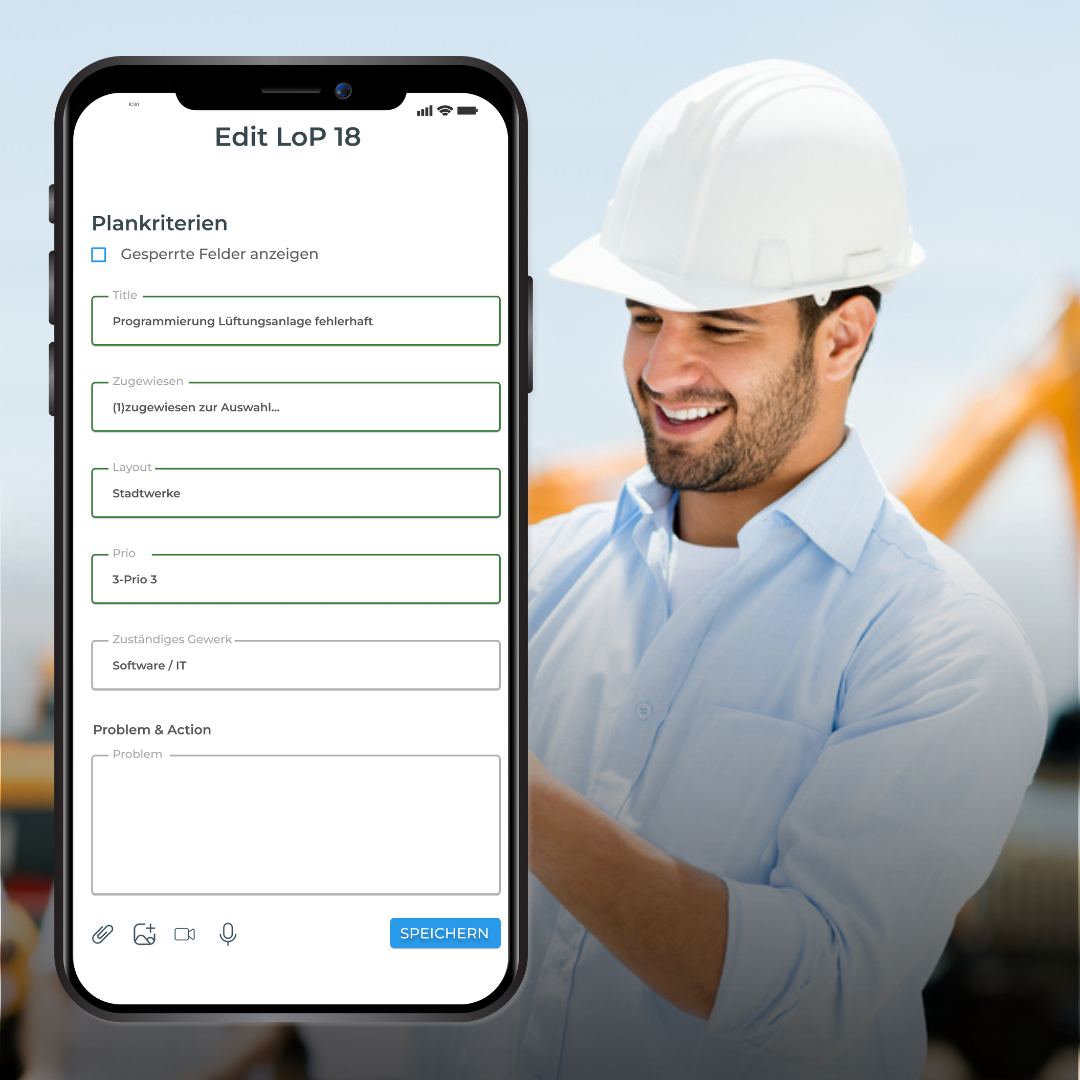
Structured recording of defects directly within the project and on-site
Defects are recorded where they occur—without detours or media breaks. This ensures complete and up-to-date data from the very beginning.
Clarify responsibilities
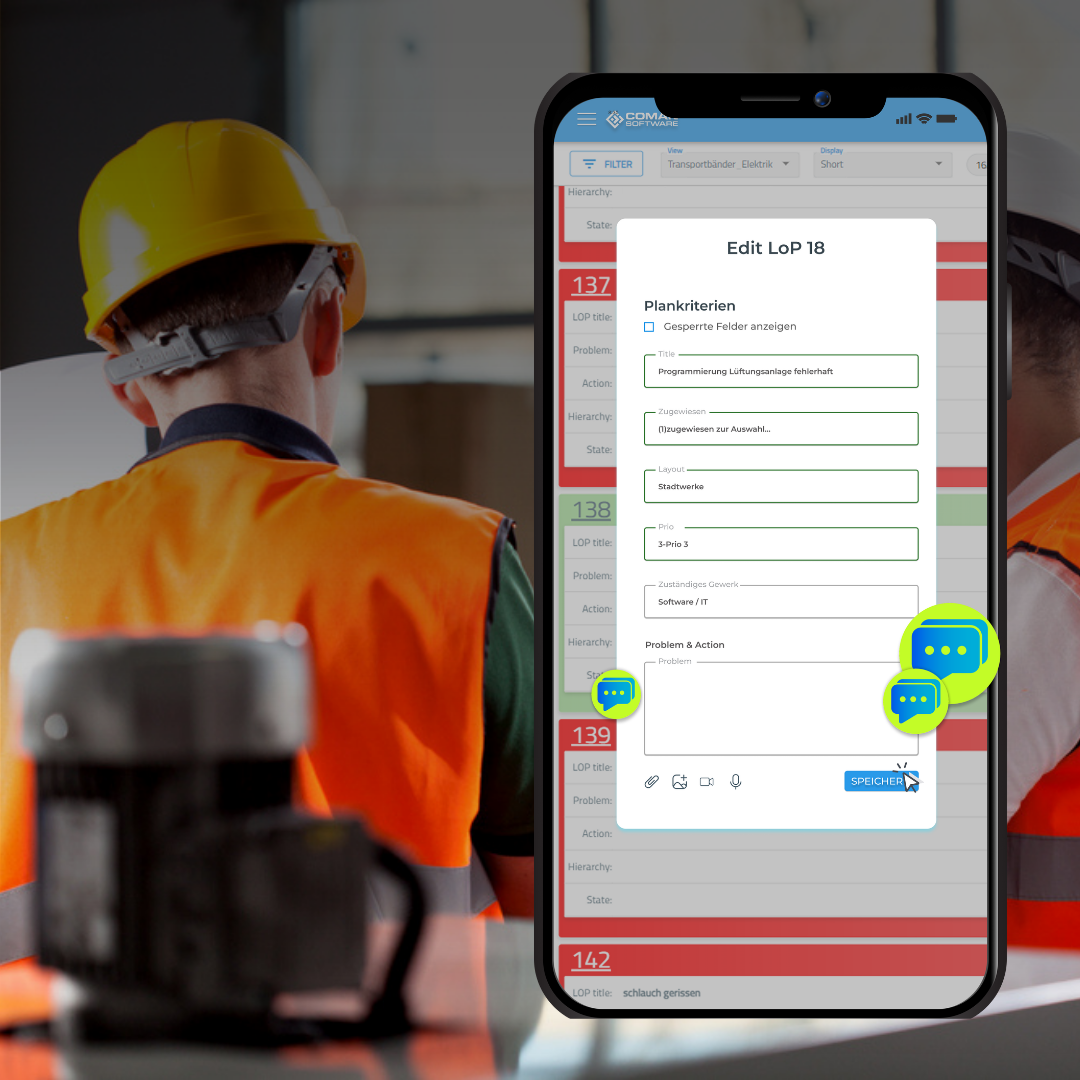
Clear assignment of responsibilities—transparent, unambiguous, and visible to everyone.
Every task is clearly assigned. This eliminates unnecessary coordination, and work is carried out in a focused and efficient manner.
Track status
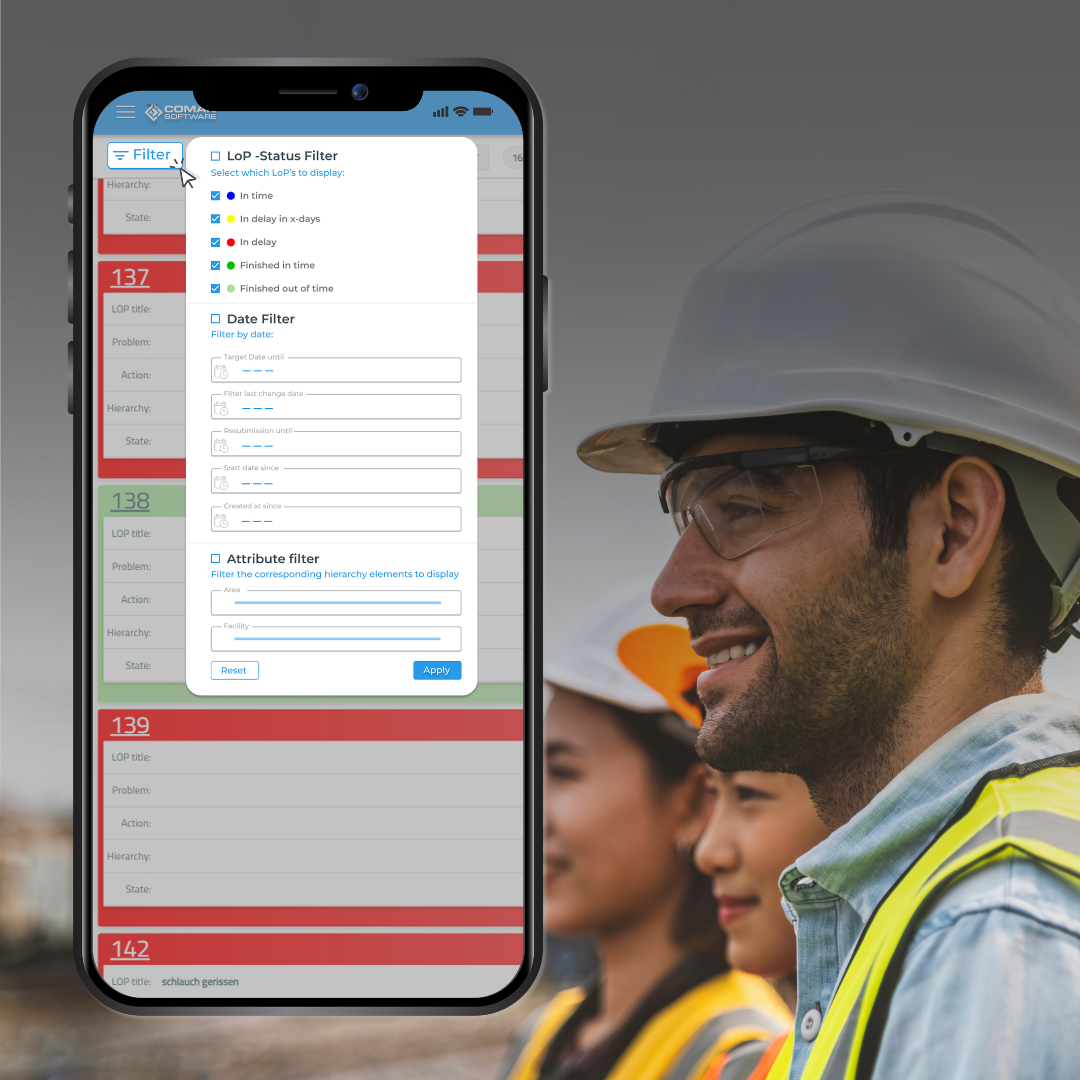
Transparent, real-time status tracking.
Progress and outstanding issues are visible to everyone involved. Delays can be identified and addressed immediately.
Document progress

Comprehensive Progress Documentation
Every process step is recorded in a structured manner. This creates a solid foundation for analysis and informed decisions.
Save history
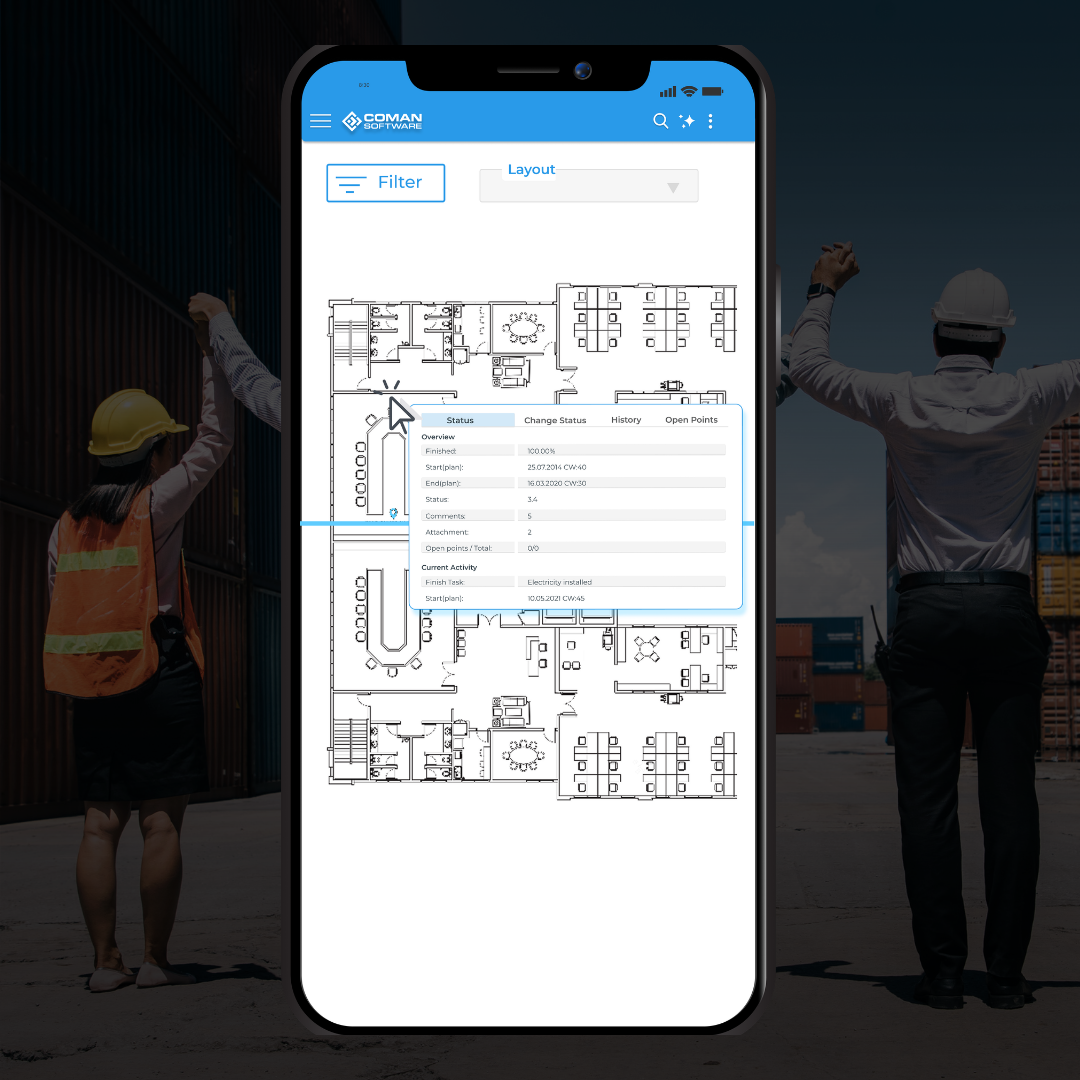
Audit-proof history of all changes
All changes are fully logged and available at any time. This ensures maximum transparency and security throughout the project.
Structured recording of defects directly within the project and on-site
Defects are recorded where they occur—without detours or media breaks. This ensures complete and up-to-date data from the very beginning.
Clear assignment of responsibilities—transparent, unambiguous, and visible to everyone.
Every task is clearly assigned. This eliminates unnecessary coordination, and work is carried out in a focused and efficient manner.
Transparent, real-time status tracking.
Progress and outstanding issues are visible to everyone involved. Delays can be identified and addressed immediately.
Comprehensive Progress Documentation
Every process step is recorded in a structured manner. This creates a solid foundation for analysis and informed decisions.
Audit-proof history of all changes
All changes are fully logged and available at any time. This ensures maximum transparency and security throughout the project.

Mobile capture
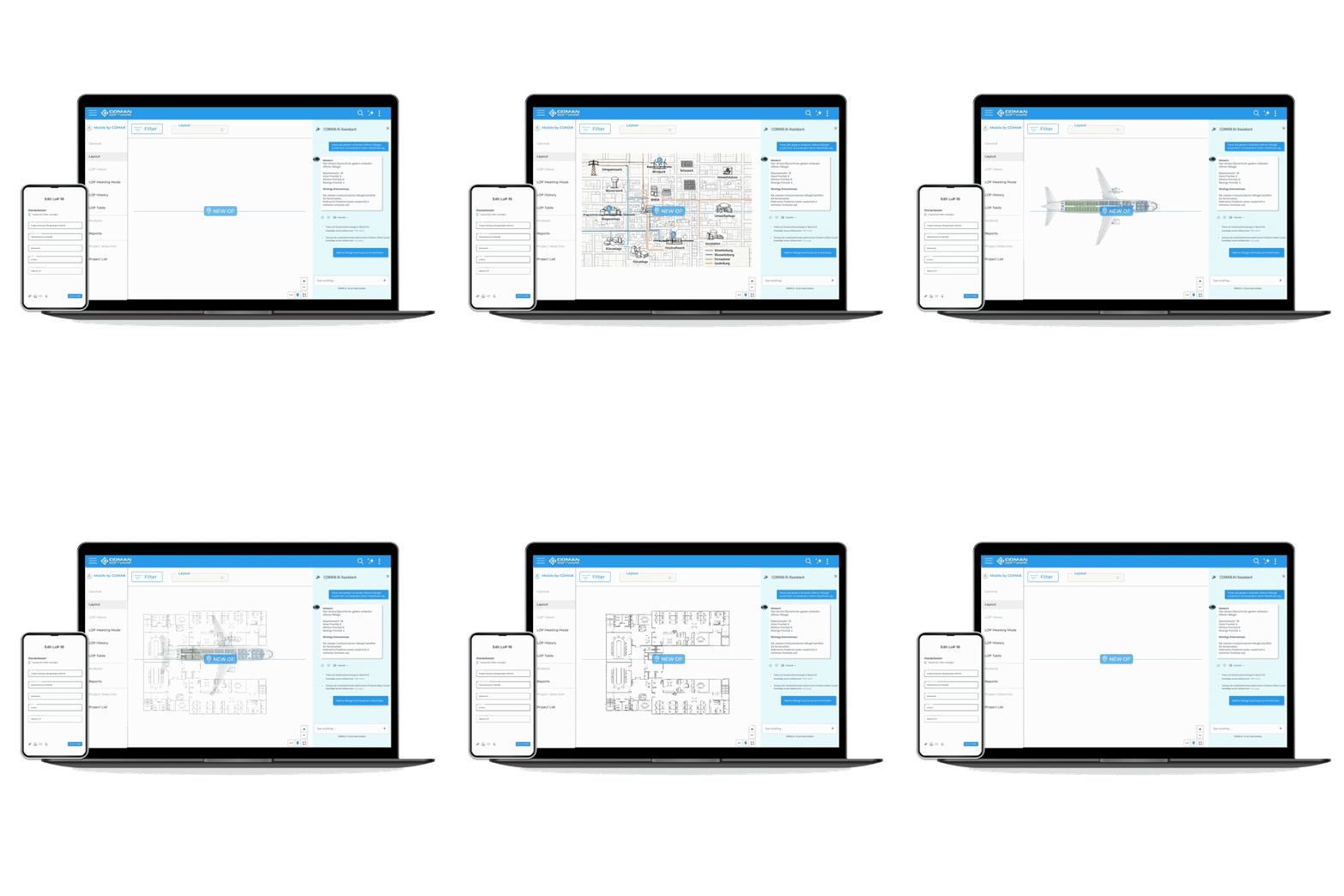
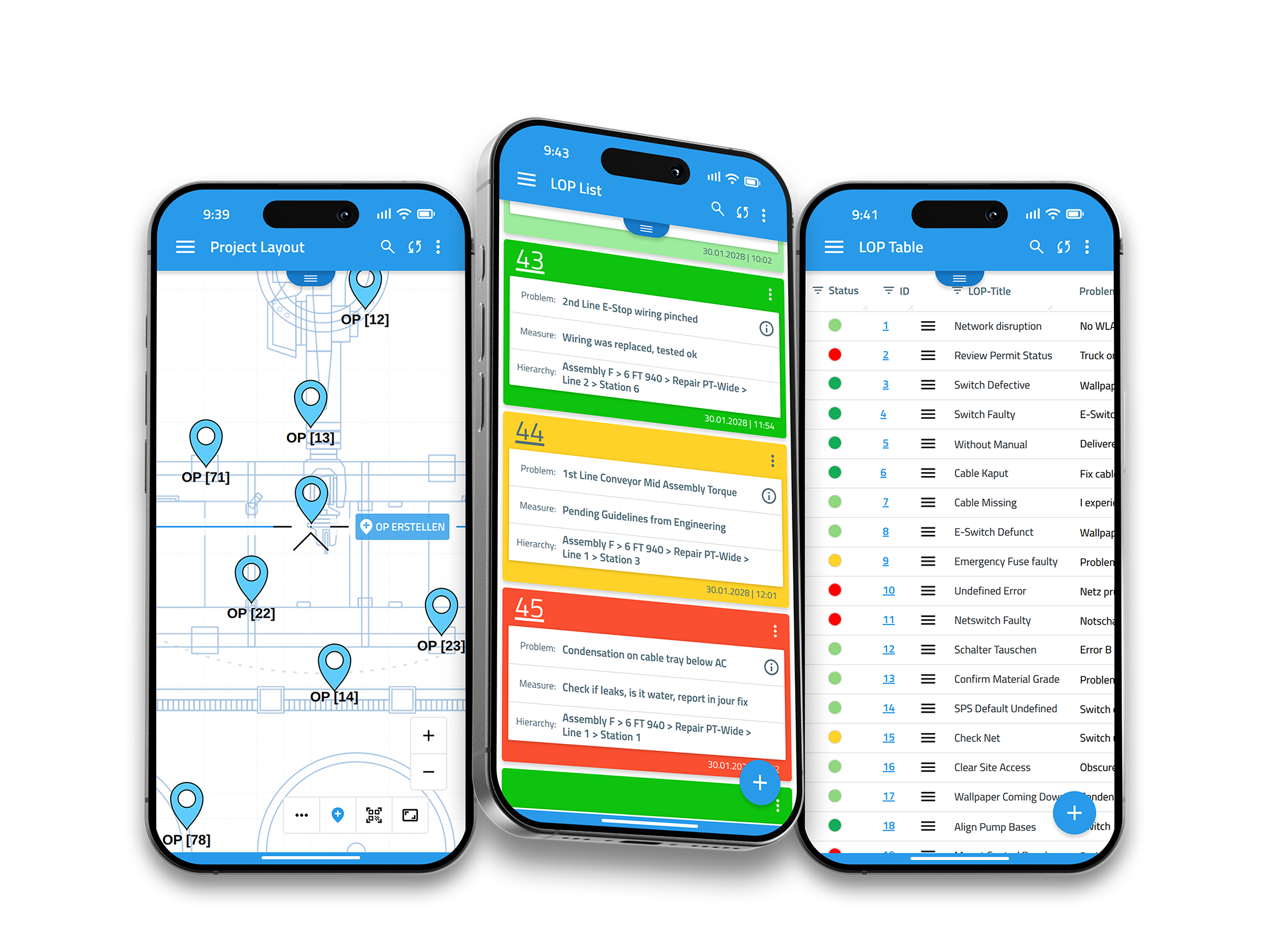
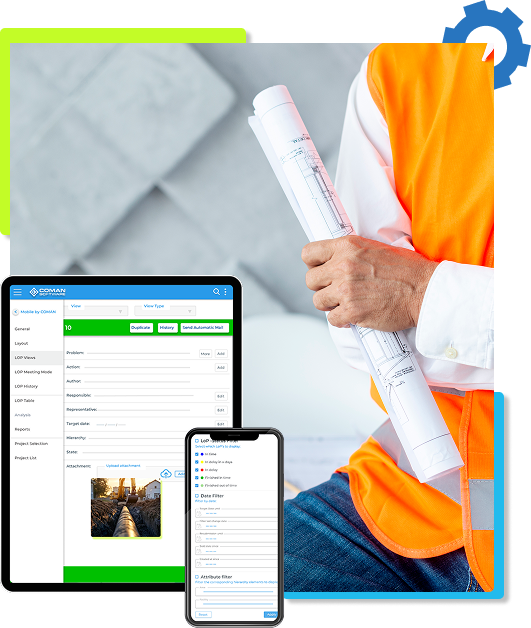
Capture tasks on the go with title, assignee, status and due date. Add attachments such as photos, PDFs or notes.

Layout-based positioning (2D)
Save plans/images as layouts and visually mark defects for quick context.
Multiple views (LoP views)
Use map, list, activity feed or table views with filters and sorting to keep everything organized.
Reports
Automatically generated reports can be accessed directly from your mobile device.

Notifications
Get automatic email alerts for updates, status changes or missed deadlines — including CC users where needed.

Admin Web App
Create projects from templates, manage users and upload layouts. Configure fields flexibly and use optional SSO.

Security
Fully GDPR-compliant with separated data environments for maximum security.
Extensions
Extend functionality with add-ons such as additional views, barcode scanning or expanded layouts and users.
Ready to start immediately
Start working right away instead of wasting time on setup. With the COMAN Suite, you can get started instantly – without complex configuration.
Full transparency across your projects
All information is in one place. Status, progress, and open tasks are always visible.

Easy for everyone to use
Even new users understand immediately what needs to be done.Whether internal teams or external partners — everyone works in the same system with clearly defined tasks.
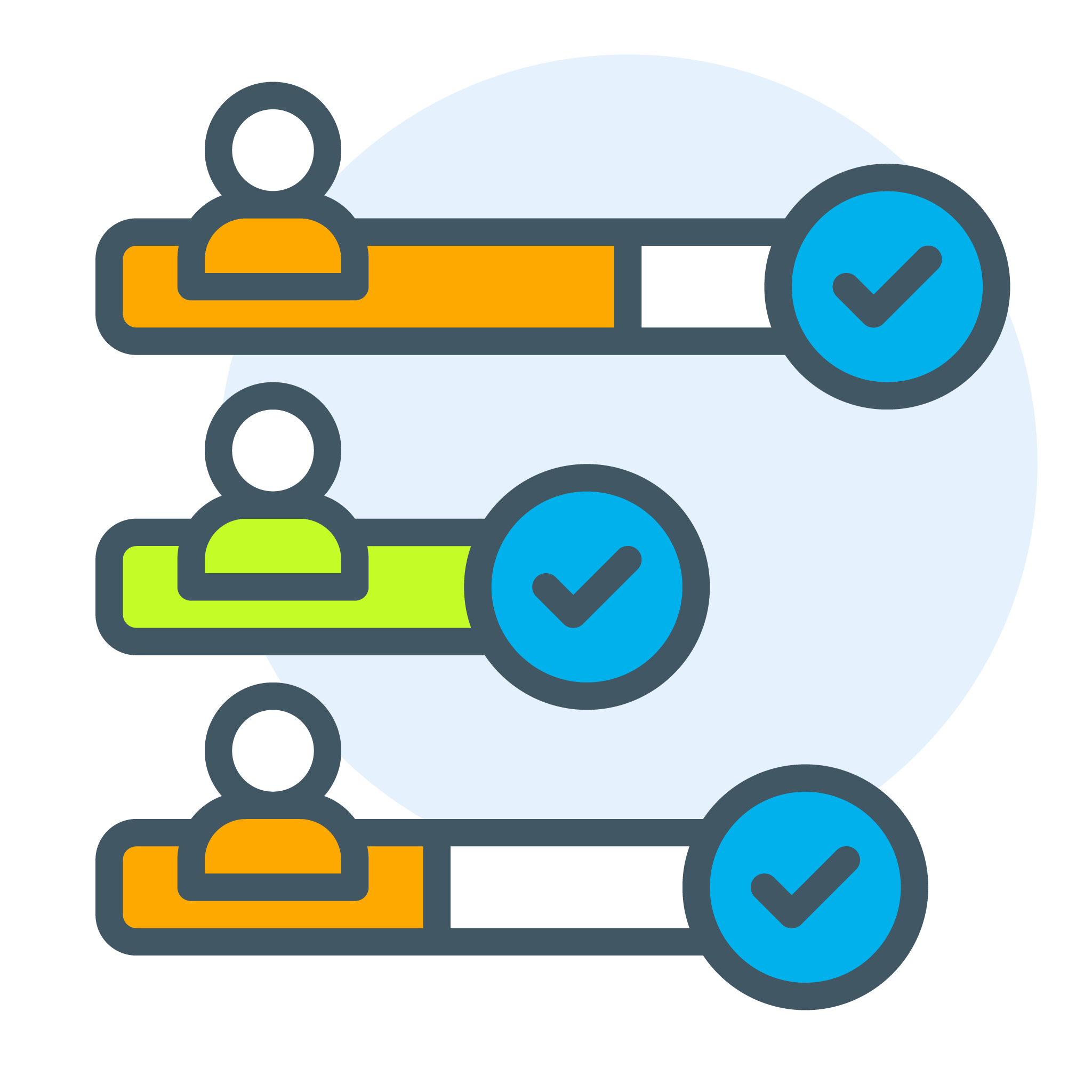
Scales with your business
Your structure remains consistent as projects grow.Use the same workflows across additional projects, teams, or locations.
Central data instead of scattered information
No more Excel sheets or email threads.Everyone works with the same data — reducing errors and improving decision-making.
Clear processes instead of setup effort
Defined workflows provide clear guidance.You work with proven processes that function smoothly in daily operations.
Less coordination, fewer errors
Responsibilities are clearly assigned.Everyone knows what they are responsible for — no more coordination chaos.

COMAN Suite

$29/month
Per user per month, billed monthly, €29 monthly billing excluding VAT.
| Criteria |  |
|
|
Project start |
Ready to use within minutes with predefined templates
|
Requires individual setup |
|
Setup effort |
Minimal – instantly productive without complex setup
|
High – configuration and coordination required |
|
Complexity |
Reduced to the essentials – easy to understand and clearly structured
|
Often complex and difficult to navigate |
|
Workflow |
Clearly defined processes and structures – work directly within a structured workflow
|
Individual, often inconsistent processes |
|
Defect tracking |
Captured directly within the process – no tool switching
|
Often spread across multiple tools |
|
Responsibilities |
Clearly assigned and always visible
|
Often unclear or maintained manually |
|
Transparency |
All information centralized – everything visible at all times
|
Information is often scattered |
|
Onboarding new users |
Quick to understand, minimal training required
|
High effort to onboard and manage |
|
Collaboration |
One system for everyone – no media breaks
|
Media breaks between tools |
|
Scalability |
Defined once – easily applied across multiple projects
|
Adjustments required for each project |
.png?width=375&height=59&name=COMAN%20Suite%20(6).png)